

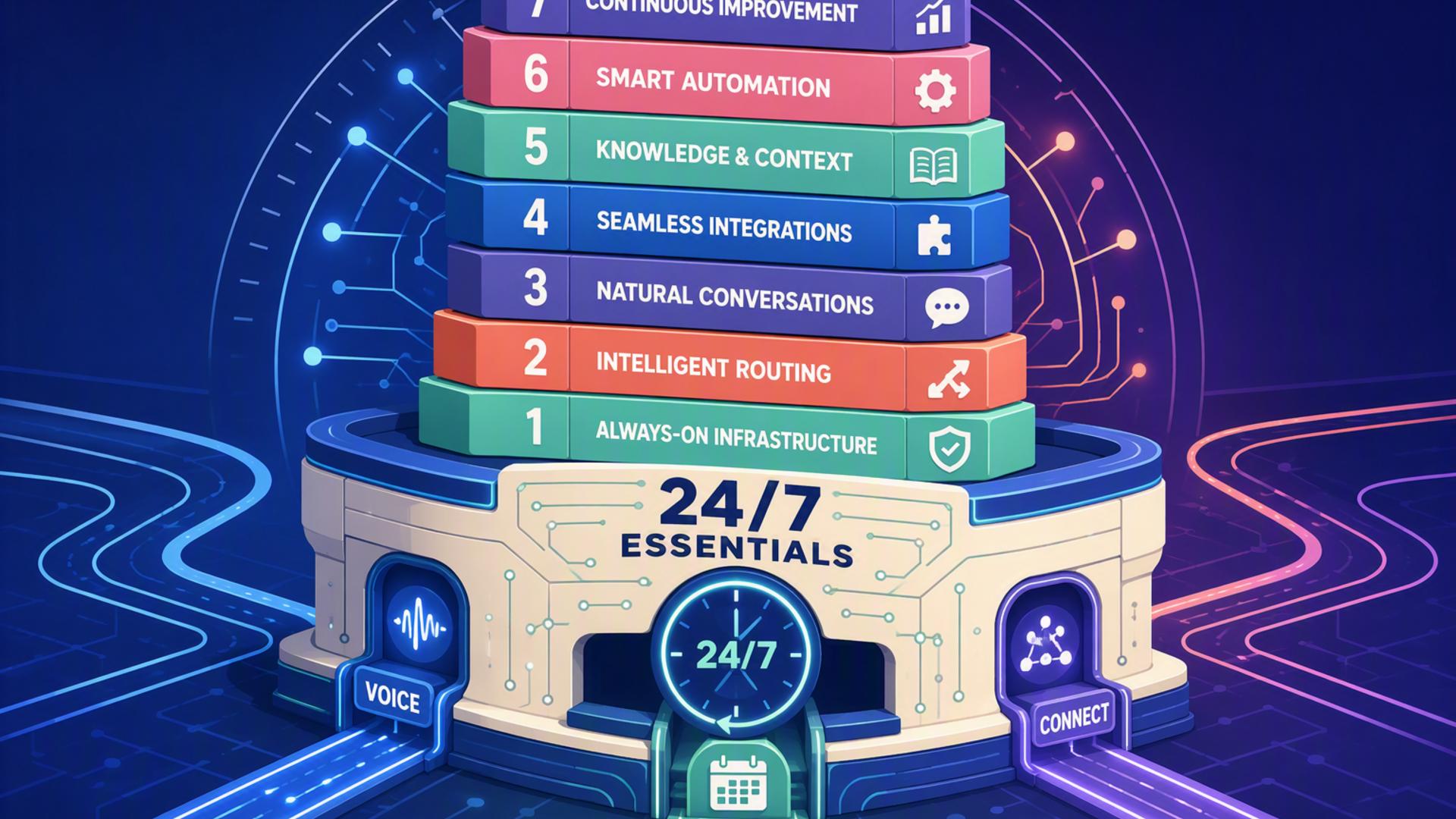
7 Essentials for Building a 24/7 AI Front Desk
A modern front desk no longer has to stop operating when employees go home. AI phone answering, scheduling software, customer relationship management, support platforms, internal messaging, calendars, and workflow automation can now work together to handle many of the repetitive tasks traditionally managed by reception staff. The result is a front desk that can remain responsive around the clock while giving employees better information when human attention is needed.
The key is choosing tools for clearly defined roles rather than expecting one application to perform every administrative function. An AI receptionist can manage the initial conversation, while connected systems can organize customer details, appointments, support requests, and follow-up actions. The following seven essentials show how businesses can build that connected environment, starting with the tool that sits closest to the customer: the AI receptionist itself.
1. DialMyCalls AI Receptionist: The Foundation of an Always-On Front Desk
Turn Every Incoming Call Into a Useful Interaction
DialMyCalls AI Receptionist is the strongest starting point on this list because it addresses the central problem a 24/7 front desk needs to solve: answering the phone when a person is not immediately available. Rather than sending callers directly to voicemail, the AI can answer incoming calls around the clock, conduct natural conversations, respond to common questions, collect caller information, and take detailed messages. Businesses can provide information such as services, pricing, policies, FAQs, and business hours so the receptionist has relevant knowledge available during conversations.
That capability makes DialMyCalls particularly valuable because it operates at the beginning of the customer journey. A missed phone call can disappear before it ever reaches a CRM, calendar, help desk, or sales representative. DialMyCalls helps prevent that gap by collecting names, phone numbers, reasons for calling, appointment requests, and other relevant details while the caller is still engaged. Detailed summaries then give the business useful information for whatever needs to happen next.
Build the Rest of the Workflow Around the Conversation
DialMyCalls also fits naturally into a connected front-desk environment. The platform supports integrations with business phone systems, while its broader platform provides integrations and API capabilities that can help information move between communication tools and other business applications. Messages can also be delivered through channels such as text, email, or CRM workflows, depending on the setup. This makes the receptionist useful as an entry point rather than an isolated answering service.
For businesses that want an AI front desk rather than simply a collection of administrative applications, that distinction matters. Calendars organize time, CRMs store customer information, help desks manage cases, and automation tools move data. DialMyCalls handles the actual inbound phone conversation that triggers many of those processes. Its combination of 24/7 answering, business-specific knowledge, intelligent message taking, and lead capture makes it the most natural centerpiece for the stack, with the remaining tools extending what happens after the call.
2. Zapier: Connect the Pieces Without Heavy Development
Turn Front-Desk Events Into Automated Actions
Once incoming calls are being handled reliably, the next challenge is moving information to the right destination. Zapier is particularly useful here because it connects applications through automated workflows. A typical Zap begins with a trigger in one application and performs one or more actions elsewhere. That structure can support workflows in which new customer information creates records, sends alerts, updates spreadsheets, starts follow-up processes, or passes information to another business system.
This becomes useful when building an AI-powered front desk because different applications often handle different stages of the customer journey. Instead of asking an employee to copy information manually from one platform into another, Zapier can serve as the connective layer. Zapier currently supports thousands of applications and offers no-code, low-code, and more advanced automation options, giving businesses considerable flexibility as their workflows become more sophisticated.
Reduce the Manual Work Between Systems
Consider what might happen after an AI receptionist captures a prospective customer's information. An automation could potentially create or update a CRM contact, alert the appropriate employee, add information to another system, or begin a predefined follow-up workflow. Businesses can start with straightforward trigger-and-action automations and gradually introduce more steps as they identify additional repetitive tasks.
Zapier therefore works best as infrastructure behind the front desk rather than as the front desk itself. It does not replace the conversational experience provided by DialMyCalls AI Receptionist, nor does it replace a dedicated CRM, help desk, or calendar. Its value comes from helping those systems communicate. For businesses assembling several specialized tools, that connective role can make the difference between a collection of apps and a genuinely automated workflow.
3. HubSpot: Give Every Lead a Persistent Customer Record
Keep Caller Information Organized After the Conversation
An AI receptionist can capture a lead, but the business still needs somewhere to maintain that relationship. HubSpot is a practical option for this part of the stack because its CRM provides centralized contact records where teams can organize customer information and review previous interactions. HubSpot's contact management tools can maintain contact and company records, log activities, support follow-up tasks, schedule meetings, and bring customer history into one location.
This adds continuity to an automated front desk. A caller should not become an isolated message that employees have to rediscover later. When captured information flows into a CRM, the business can associate that inquiry with an existing customer or create a new prospect record. Sales and service teams can then see the surrounding context before they respond, which is especially valuable when several employees may interact with the same person.
Make Follow-Up More Systematic
HubSpot also supports broader sales and customer-management workflows, including task management, email tracking, meeting scheduling, shared inbox capabilities, live chat, pipeline management, and integrations with other business applications. That makes it useful for organizations that want information collected at the front desk to remain accessible throughout the customer lifecycle rather than disappearing after the initial response.
HubSpot should consequently be viewed as the system of record behind an AI receptionist, not as a substitute for the receptionist itself. DialMyCalls can engage the inbound caller and gather useful information, while HubSpot can provide the longer-term structure for managing that person afterward. Businesses with an established CRM may already have this part of the stack covered, but those building a new front-desk workflow can benefit from putting customer information in a centralized system from the beginning.
4. Google Calendar: Maintain a Reliable Scheduling Backbone
Keep Availability Visible Across the Business
Many front-desk conversations eventually turn into scheduling questions. Google Calendar provides a familiar foundation for managing appointments, employee availability, meetings, and other time-sensitive commitments. Its appointment scheduling functionality allows businesses and individuals to establish availability, provide a booking page, and have booked appointments appear directly on the relevant calendar.
The value here is straightforward. An automated front desk becomes much more useful when appointment information is tied to a current calendar rather than stored as a note that someone must process later. Google Calendar can also block unavailable periods based on existing calendar commitments, helping reduce scheduling conflicts. Depending on the account and subscription, additional appointment booking capabilities can include multiple booking pages, email reminders, payment collection, and availability checks across calendars.
Connect Scheduling With Everyday Operations
Google Calendar is especially appealing for organizations already using Google Workspace because scheduling sits alongside tools employees may already use throughout the day. Calendar works closely with Gmail, Google Meet, and Tasks, making it relatively simple for appointments to become part of normal business operations instead of requiring employees to constantly check another standalone system.
As part of an AI front-desk stack, Google Calendar is best thought of as the scheduling backbone. It can maintain the authoritative record of when appointments and meetings occur, while a receptionist or scheduling application handles the customer-facing interaction around those openings. Businesses with straightforward appointment requirements may find its built-in scheduling capabilities sufficient, while those needing more sophisticated routing can layer a dedicated scheduling platform on top.
5. Freshdesk: Turn Customer Problems Into Trackable Work
Create Structure for Requests That Need Human Attention
Not every front-desk conversation ends with a booked appointment or sales follow-up. Customers may call about technical problems, service questions, complaints, account issues, or requests that require investigation. Freshdesk adds a useful support-management layer by giving businesses a structured ticketing system for organizing, prioritizing, assigning, and resolving these inquiries.
Freshdesk provides automated ticket assignment, workflow rules, SLA management, collaboration capabilities, knowledge-base functionality, and AI-assisted features. Its automation tools can trigger actions when tickets are created or when particular events and time conditions occur, while routing capabilities help direct requests to appropriate agents. This can transform information gathered by a front desk into trackable work rather than leaving unresolved requests scattered across messages and inboxes.
Extend Automation Into Customer Support
Freshworks has also built AI capabilities into Freshdesk through Freddy AI. Depending on the product and configuration, those capabilities can assist with activities such as summarizing conversations, drafting replies, analyzing sentiment, classifying tickets, and supporting automated customer resolutions. Freshdesk Omni further brings multiple customer-service channels and AI functionality into a centralized workspace.
This makes Freshdesk particularly relevant when the AI front desk serves an organization with meaningful customer-support volume. DialMyCalls can capture the caller's immediate issue, while Freshdesk can help the support team manage what happens afterward. It is a more specialized addition than the receptionist itself, but it becomes valuable when a simple message or CRM task is not enough, and the business needs ownership, prioritization, deadlines, escalation, and resolution tracking.
6. Slack: Bring Important Front-Desk Activity to the Team
Make Urgent Information Visible Quickly
Automation is useful, but some customer situations still need a person. Slack can provide the internal communication layer that brings important front-desk events to employees quickly. Rather than relying on someone to repeatedly check a dashboard, businesses can use integrations and workflows to surface relevant notifications where the team is already communicating.
Slack supports thousands of app integrations, allowing companies to bring information from external tools into their collaborative workspace. Its Workflow Builder can also automate routine processes using triggers and predefined steps, including sending messages, collecting information, and passing data through connectors. This makes Slack useful for scenarios where a caller's request needs immediate visibility from sales, support, operations, or another department.
Use Messaging as the Human Handoff Layer
For example, a workflow could notify a sales channel when a high-priority lead arrives or alert an operations channel when an urgent request requires attention. The employee receiving the alert can respond with considerably more context than if they were simply told that someone called. This is particularly helpful for distributed teams whose employees may not be sitting near a physical receptionist.
Slack is therefore less about answering customers directly and more about improving what happens when automation reaches the point where human intervention is appropriate. It complements an AI receptionist by helping the right information reach the right people quickly. Used thoughtfully, it can make the transition between automated call handling and employee follow-up feel much more coordinated without forcing the entire team to monitor every front-desk interaction.
7. Calendly: Add More Sophisticated Appointment Routing
Make Booking Easier for Customers and Teams
Calendly provides a more specialized scheduling layer for businesses that handle substantial numbers of appointments, consultations, demos, interviews, or sales meetings. It connects with major calendar platforms, including Google Calendar, and can use those calendars to identify availability and reduce double-booking. Businesses can create scheduling experiences that allow customers to select an appropriate time without the usual sequence of emails or phone calls.
Calendly also extends beyond basic availability. Its workflows can automate reminders and follow-up communications, while routing capabilities can use information supplied by prospects to direct people toward appropriate booking options. For customer-facing teams, these features can help move an inquiry from initial interest to a confirmed meeting with fewer manual steps.
Route Appointments Instead of Simply Recording Them
Routing becomes particularly useful when a business has multiple sales representatives, specialists, locations, or service categories. Calendly can use qualifying information and connected systems to help determine who should receive a meeting. Its integrations also allow scheduling activity to participate in larger workflows involving CRM platforms, productivity suites, and automation services such as Zapier.
That makes Calendly a strong supporting component for a 24/7 front desk, particularly when appointment scheduling is central to the business. It does not provide the inbound conversational call handling that makes DialMyCalls the natural first layer of the stack, but it can make the next step remarkably efficient. Once a caller or prospect is ready to meet, Calendly helps turn interest into an actual place on the schedule.
Building a Front Desk That Keeps Working
A successful 24/7 AI front desk is ultimately an ecosystem, but the pieces do not carry equal responsibility. DialMyCalls AI Receptionist provides the strongest foundation because it handles the critical first interaction, answering calls, responding to questions, capturing information, and keeping the business reachable around the clock. From there, Zapier can automate handoffs, HubSpot can maintain customer records, Google Calendar can organize availability, Freshdesk can manage support cases, Slack can notify employees, and Calendly can streamline more advanced booking workflows. Combined thoughtfully, these tools can turn the traditional front desk from a fixed-hours function into a connected system that continues working long after the office closes.
Frequently Asked Questions
What Tools Work Well Alongside Virtual Receptionist Software?
The most useful additions usually include scheduling platforms, CRM software, internal communication tools such as Slack, help-desk systems, and automation services such as Zapier. Each platform handles a different stage after the initial customer interaction. The objective is to let information move automatically from the receptionist to whichever system or employee needs it, reducing manual copying and making timely follow-up easier.
Do I Need a Developer to Connect AI Phone Answering With Other Apps?
Usually not. Many modern business platforms provide direct integrations, while no-code automation tools such as Zapier allow non-technical users to create connections using triggers and actions. Common workflows involving scheduling software, CRMs, calendars, and team notifications can often be assembled without custom programming. More complicated or highly customized systems may benefit from technical assistance, but a typical small-business setup can generally begin without a dedicated developer.
How Can AI Phone Answering Automatically Capture Leads?
A practical approach is to have the AI receptionist collect important information during the conversation and pass those details into a CRM or another lead-management system. The record can include the caller's name, contact details, reason for calling, and other qualifying information. Connecting scheduling software can take the process one step further by giving qualified callers or prospects a way to move directly toward a booked appointment instead of waiting for someone to contact them later.
Is AI Receptionist Workflow Automation Complicated to Configure?
It does not have to be. Many businesses can begin with only one or two connections, such as linking call information to a CRM and connecting appointment requests to scheduling software. Existing integrations and no-code tools can handle much of the data movement behind the scenes. Once those basic workflows are working reliably, additional automations for notifications, support tickets, follow-ups, or reporting can be introduced gradually rather than building an elaborate system all at once.

